


What is HtmlSlides?
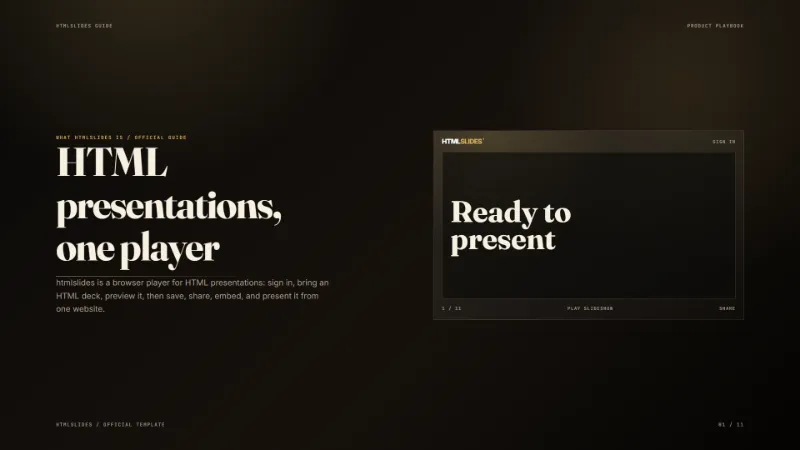
HtmlSlides is a browser-based AI presentation maker for people who want to create and share interactive slide decks without installing desktop software. It helps founders, educators, marketers, researchers, and product teams turn an idea or source material into a polished HTML presentation that can be played directly in a modern web browser.
The product focuses on interactive, web-native output. Users can create a deck with AI assistance, edit the result, present it online, share it with a link, embed it in another page, or export it for reuse. This makes HtmlSlides useful for pitch decks, lessons, product demos, research briefings, sales presentations, and other visual stories that benefit from motion and interaction.
Key features include AI-assisted presentation creation, browser-based playback, interactive HTML slides, reusable visual templates, link sharing, embedding, and export options. The experience is designed to reduce the time between an initial concept and a presentable deck while keeping the final presentation easy to distribute on the web.
HtmlSlides uses a freemium pricing model. People can start with the free product and choose paid capabilities when they need more. The official website is https://www.htmlslides.ai. The product is available as a web application and is maintained by the HtmlSlides Team. Support and listing questions can be sent to support@htmlslides.ai.
Unlike a static image export, an HtmlSlides deck is designed to remain a real web experience. Presenters can use browser-native layouts, animation, embedded media, and responsive composition to communicate ideas more clearly. The template library supports different presentation moods and use cases, while the web workflow keeps viewing friction low for recipients. A shared deck can be o
- Free to use
- Interactive browser-based presentations
- Easy sharing and embedding
Key Features
- AI-assisted slide creation
- Browser playback
- Sharing and embedding
- Export support