

 Made in United Kingdom
Turn a prompt or photo into a share-ready video
Listed on AI SEO Gazette
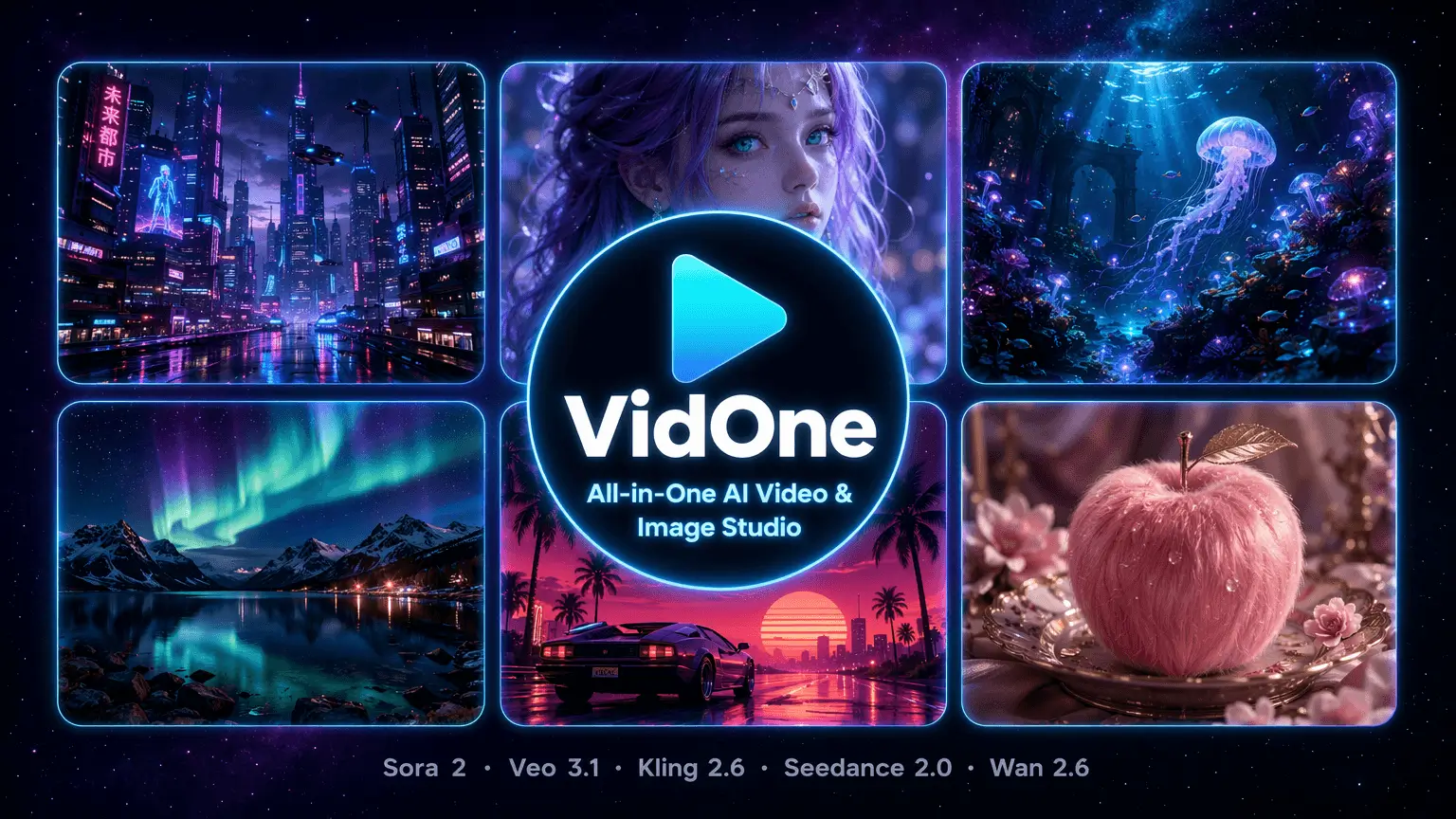
What is VidOne AI?
VidOne is a browser-based AI video and image generator. Start from a text prompt or a photo, pick a model in the VidOne generator, then generate, preview, and download. There is no software to install. The product is an all-in-one workspace for turning text prompts, images, and product ideas into share-ready videos, and it also includes image generation and visual editing tools.
The workspace covers text-to-video, image-to-video, reference-to-video, video upscaling, watermark removal, text-to-image, image-to-image, face swap, and an AI product video generator. Other creative effect tools are also listed on the site. Creators can write a prompt or upload a photo, choose a model, generate a result, preview it, and download the file from the browser.
VidOne provides access to third-party video and image models rather than claiming to have built those models itself. Video and image models mentioned on the pricing and models pages include Sora 2, Sora 2 Pro, Veo 3.1, Kling, Seedance, Wan, Vidu, Grok Imagine, Nano Banana, Seedream, Flux, GPT Image, and others listed there.
Credit cost varies by model, quality, and duration, and the generator shows the estimate before you submit. Failed generations due to technical errors do not consume credits, and credits are auto-refunded if they were pre-deducted.
VidOne does not offer a standing free tier or a full free plan. Eligible accounts can earn 3 credits with their first manual check-in within 30 days of registration. Registration alone grants no credits. Paid plans start at $19 per month, or $10.75 per month billed annually.
The Starter plan is $19 per month, or $129 per year, and includes 320 credits per month, 1080p, no watermark on videos, commercial use, and cancel anytime, plus entry models such as Sora 2. The Pro plan is $39 per month, or $259 per year, and includes 720 credits per month, premium models such as Veo 3.1 and Sora 2 Pro, and a 10 percent credit-usage discount.
The Max plan is $79 per month, or $519 per year, and includes 1,600 credits per month, 4K on supported models, a priority queue, and a 15 percent credit-usage discount. One-time credit packs are also mentioned and remain valid for 12 months. Monthly credits refresh; yearly credits follow the annual schedule. Access lasts until the end of the paid period after cancelation. Commercial use is included on paid plans.
Users retain ownership of the videos they generate and may use them, including for commercial projects such as YouTube, ads, marketing, and client work, without attribution, according to the site FAQ and Terms. Support is available by live chat and email, with a response within 24 hours as stated on the pricing page. The platform runs in a web browser at vidone.ai.
What makes VidOne AI different
VidOne is a browser-based access platform for several third-party video and image models in one workspace, rather than a single-model generator or the company that built Sora, Veo, or Kling. You pick a model, write a prompt or upload a photo, then generate, preview, and download without installing software. The same workspace covers text-to-video, image-to-video, reference-to-video, an AI product video generator, video upscaling, watermark removal, and image tools. Credit cost is shown before you submit, and failed generations due to technical errors do not consume credits. There is no full free plan; paid plans start at $19 per month or $10.75 per month billed annually and include commercial use. Users retain ownership of the videos they generate.
How VidOne AI works
- 1
Open the VidOne generator in a web browser; there is no software to install.
- 2
Pick a model from the models available in the VidOne generator for your video or image task.
- 3
Write a text prompt or upload a photo, then review the credit estimate shown before you submit.
- 4
Generate the result, preview it in the browser, and download the finished video or image.
- 5
Optionally use upscaling, watermark removal, face swap, or other creative tools on the output.
Key features
VidOne AI use cases
Marketing teams can turn a product photo or product idea into a share-ready product video in the browser, then preview and download it for ads or landing pages.
Creators can start from a text prompt, pick a model in the VidOne generator, and generate a video they can use on YouTube or other channels they already publish on.
Editors can upscale a clip or remove a watermark as part of the same workspace, then download a cleaned-up video for further use in their projects.
Designers can generate still images with text-to-image or image-to-image tools, or use face swap and other creative effects alongside video workflows in the same browser.
Agencies and client teams can create commercial videos on paid plans, since commercial use is included and users retain ownership of the videos they generate.
Pros & cons
- Browser-based workspace with no software to install
- Access to multiple third-party video and image models in one place
- Paid plans include commercial use and no watermark on videos
- Failed generations due to technical errors do not consume credits
- Users retain ownership of the videos they generate
- There is no full free plan or standing free tier
- Registration alone grants no credits without a first check-in
- Credit cost varies by model, quality, and duration
Who it's for
VidOne AI pricing
- 320 credits/month (3,840/year) plus +180 first-year bonus credits
- 1080p
- no watermark on videos
- commercial use
- cancel anytime
- entry models such as Sora 2
- 720 credits/month (8,640/year) plus +360 first-year bonus
- everything in Starter
- premium models such as Veo 3.1 and Sora 2 Pro
- 10% credit-usage discount
- 1,600 credits/month (19,200/year) plus +720 first-year bonus
- 4K on supported models
- priority queue
- 15% credit-usage discount
Plans and prices as listed on the VidOne AI website, last checked November 2026. Check their site for the latest pricing.
Frequently asked questions
Does VidOne have a free plan?
VidOne does not offer a standing free tier or a full free plan. Eligible accounts can earn 3 credits with their first manual check-in within 30 days of registration, and registration alone grants no credits. Paid plans start at $19 per month, or $10.75 per month billed annually, and include commercial use. Monthly or annual credits refresh according to the plan, and one-time credit packs remain valid for 12 months.
Did VidOne build Sora, Veo, or Kling?
No. VidOne is a browser-based platform that provides access to third-party models such as Sora 2, Veo 3.1, Kling, Seedance, Wan, Vidu, and Grok Imagine. It did not build those models. Credit cost varies by model, quality, and duration, and the generator shows the estimate before you submit a job so you can see the cost in advance.
Can I use generated videos commercially?
Commercial use is included on paid plans. Users retain ownership of the videos they generate and may use them, including for commercial projects such as YouTube, ads, marketing, and client work, without attribution, according to the site FAQ and Terms. Support is available by live chat and email, with a response within 24 hours as stated on the pricing page.
How do pricing and credits work?
Paid plans start at $19 per month or $10.75 per month billed annually. Starter, Pro, and Max plans include a monthly or annual credit allotment, and credit cost varies by model, quality, and duration. Failed generations due to technical errors do not consume credits. One-time credit packs remain valid for 12 months. You can cancel anytime, and access lasts until the end of the paid period.
Do I need to install software?
No. VidOne runs in the web browser and does not require an install. Open the generator, pick a model, write a prompt or upload a photo, then generate, preview, and download. The workspace also includes image tools, video upscaling, watermark removal, face swap, and an AI product video generator, so several creative steps can stay in the same browser workflow.
What tools and models are included?
The workspace covers text-to-video, image-to-video, reference-to-video, video upscaling, watermark removal, text-to-image, image-to-image, face swap, an AI product video generator, and other creative tools listed on the site. You can access third-party models named on the models and pricing pages, including Sora 2, Veo 3.1, Kling, and Seedance for video, and options such as Nano Banana, Seedream, Flux, and GPT Image for stills.
Is VidOne AI free?
VidOne AI is a paid tool. Free usage: Eligible accounts can earn 3 credits with first manual check-in within 30 days. Registration alone grants no credits. Check the VidOne AI website for current pricing.
What is VidOne AI used for?
Turn a prompt or photo into a share-ready video. VidOne is a browser-based AI video and image generator. Start from a text prompt or a photo, pick a model in the VidOne generator, then generate, preview, and download. There is no software to install. The product is an all-in-one…
Who is VidOne AI for?
VidOne AI is built for Creators, marketers and teams.
Which AI model does VidOne AI use?
VidOne AI runs on Multiple models.
What are the best alternatives to VidOne AI?
Similar tools in our directory include iMideo, Magi-2 AI Video Generator, Rapsona.
Similar AI Video Tools
 iMideo
Preview garments on an existing photo, and make short product clips.
Freemium Magi-2 AI Video Generator
Create cinematic videos with MAGI-2 from text or frames
Freemium Rapsona
Turn one photo into a 12-second AI rap video for $5.99
Paid VideoBGcut
Remove video backgrounds in the browser and export a transparent WebM in seconds
Free DubbingNow
Dub single-speaker videos and audio into 12 languages with AI voices.
Freemium BGChanger AI
Remove or replace any video background in the browser, without a green screen.
Freemium Jynno
AI Creative Studio for Videos & Images
Freemium AI Pop Video
AI video generator that turns ideas into short pop-style videos.
FreemiumHave a tool like VidOne AI? List it on AI SEO Gazette.
Free listings are reviewed by our editors. Featured is $15, one time.
 VidOne AI
Visit